

10 Oct
Cool Pete’s Kitty Lounge on Etsy
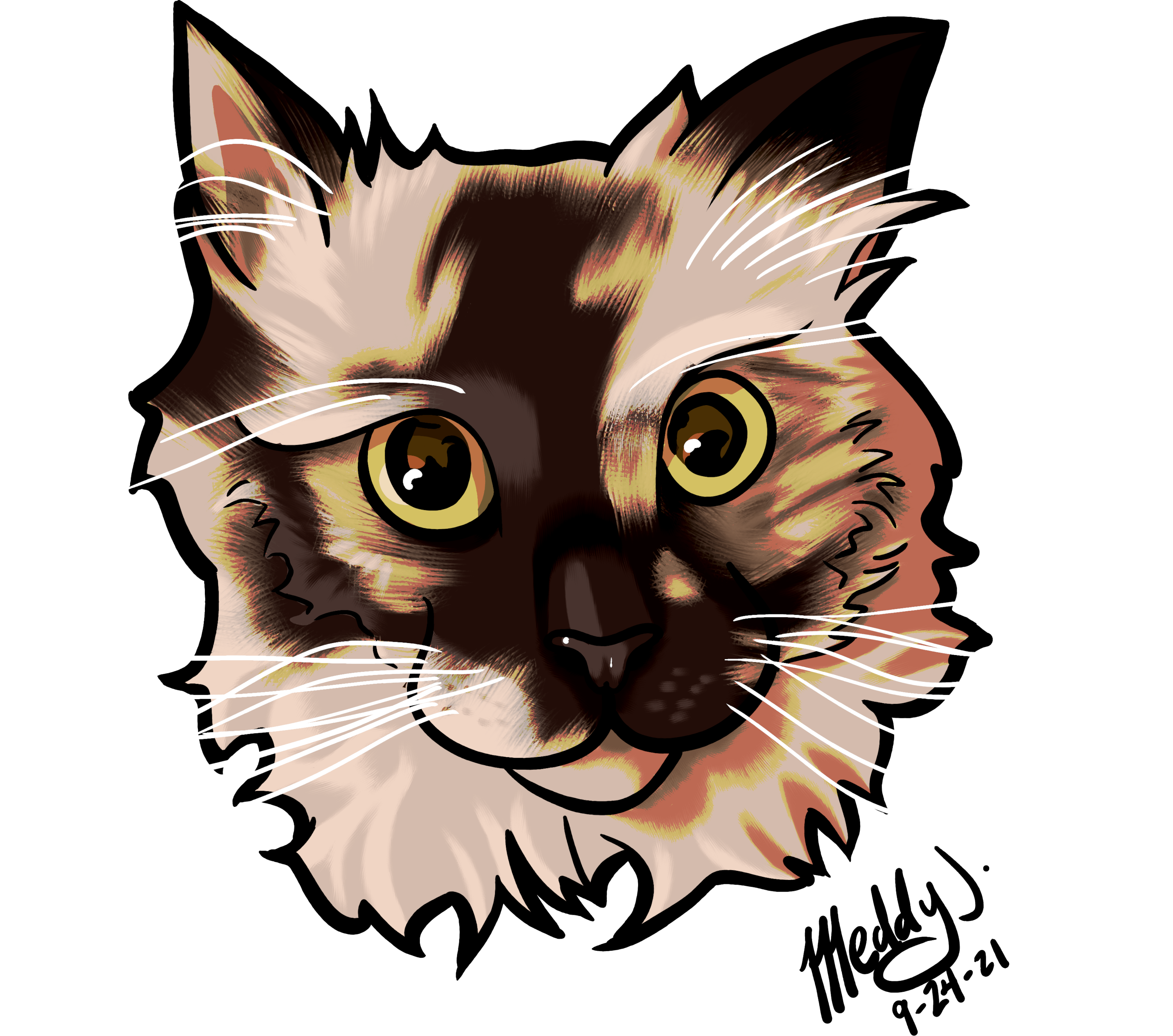
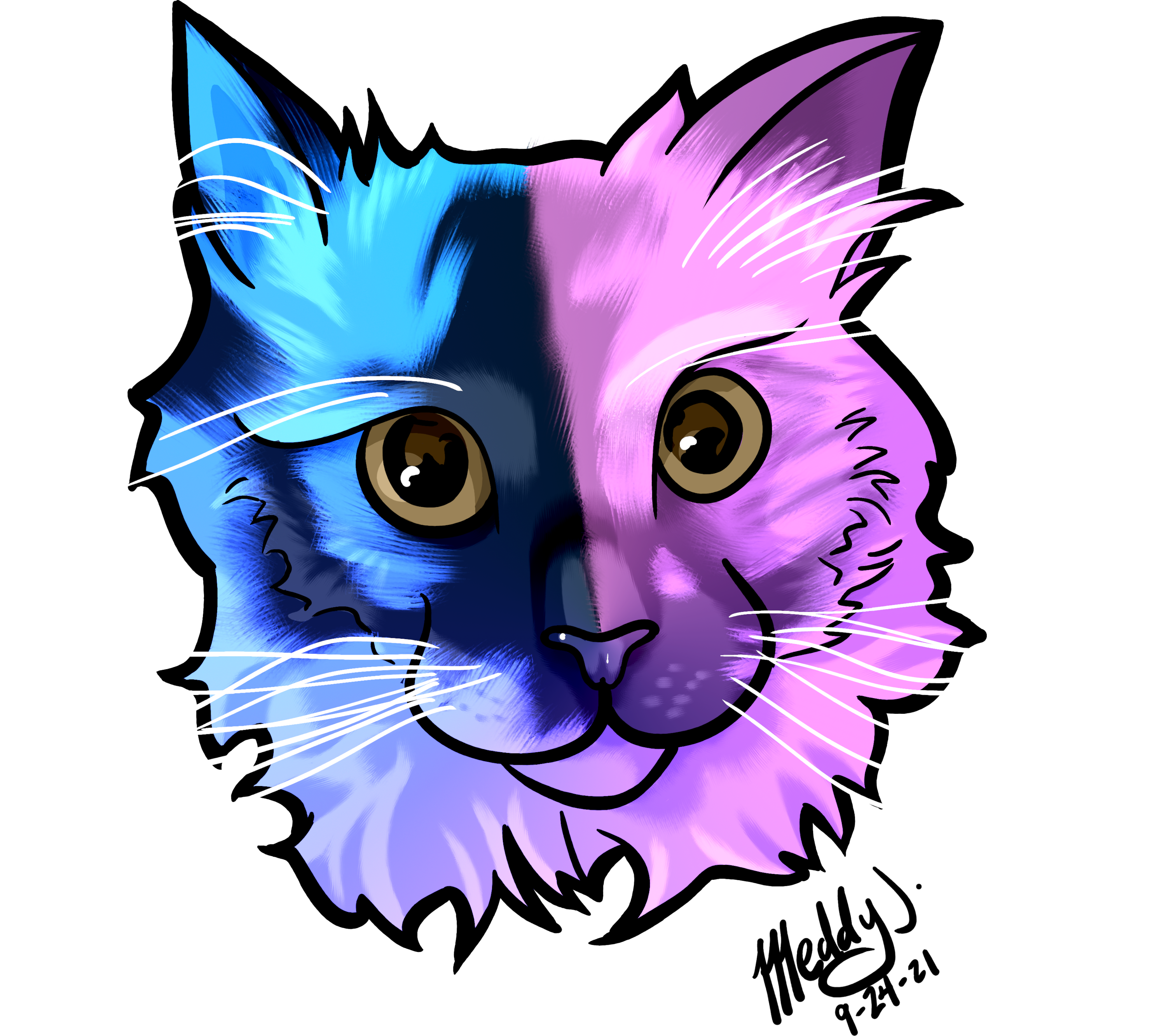
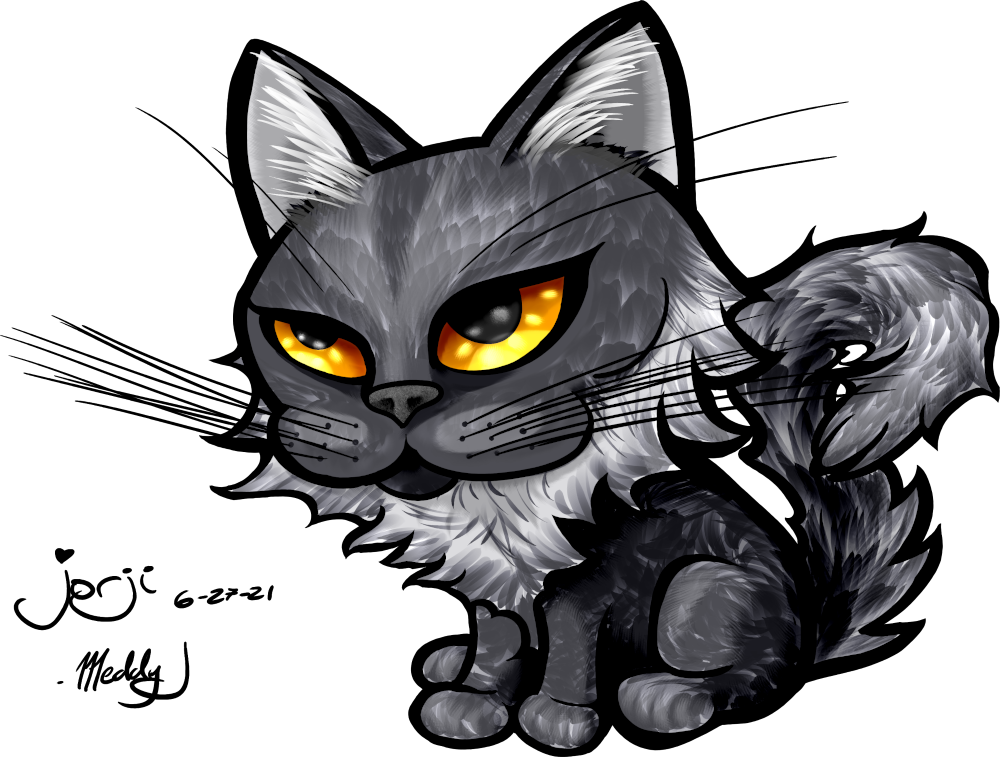
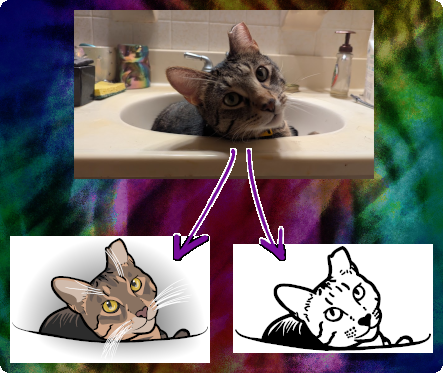
Author: MeddygonFor some time, I’ve been creating art of people’s pets from their photos for use online as emojis, stickers, and shirts. Via my etsy store I’m now offering more products, such as fridge magnets, vinyl stickers, coasters, keychains, and anything else that can be laser cut or engraved. Below I’ll show the examples of products available and the process of making Charlie, my standard-issue-cat, into digital art and then placed on products.
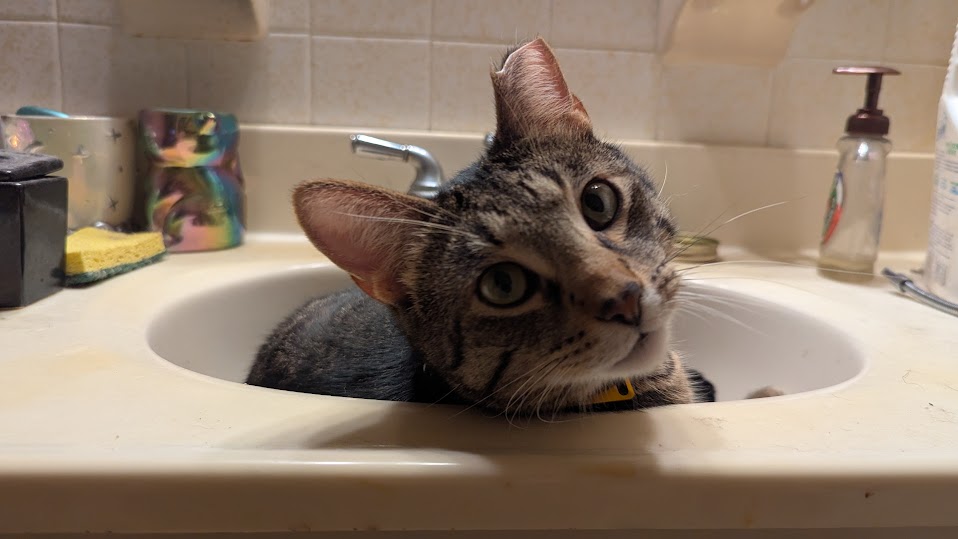
Many “customized pet art” offerings online use a selection of pre-created designs where customers will select a generic appearance and pose and try to match as close as possible to what their pet looks like. I’ve bought such things in the past, but I always end up feeling like my pet’s unique appearance is lost. Sure, many tabby cats look so much alike, but what if your cat has an unusual facial coloring? That is why I offer custom art based directly on the client’s pets and photos.
So if you are looking to get some custom products based on your pets, head over to my etsy store and send me a message or make an order.
Digital Drawing
The first part of this process requires that clients send me one or more photos to generate an image set that will be used in the current or any future orders. Clients will also receive these digital files in case they want to take them to another place, such as an on-demand shirt printer, to get their pets on products I do not yet offer.
Because these drawings are done by hand (digitally) and involve no automation, the image quality doesn’t really matter. It can be a blurry image or a small resolution and I will draw the image, making adjustments as needed to represent the pet’s personality. The background will be excluded. There will be two variations of the image – a color version showing the subject and a black-and-white sticker version.
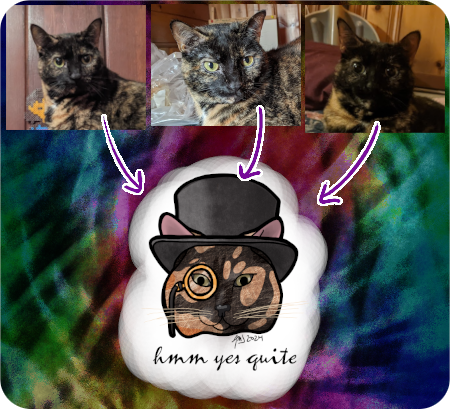
If clients prefer, I also offer an option for a new drawing based on several images of the pet rather than just a single photo. Using several reference photos of Noodles, I created a fancy Noodles.
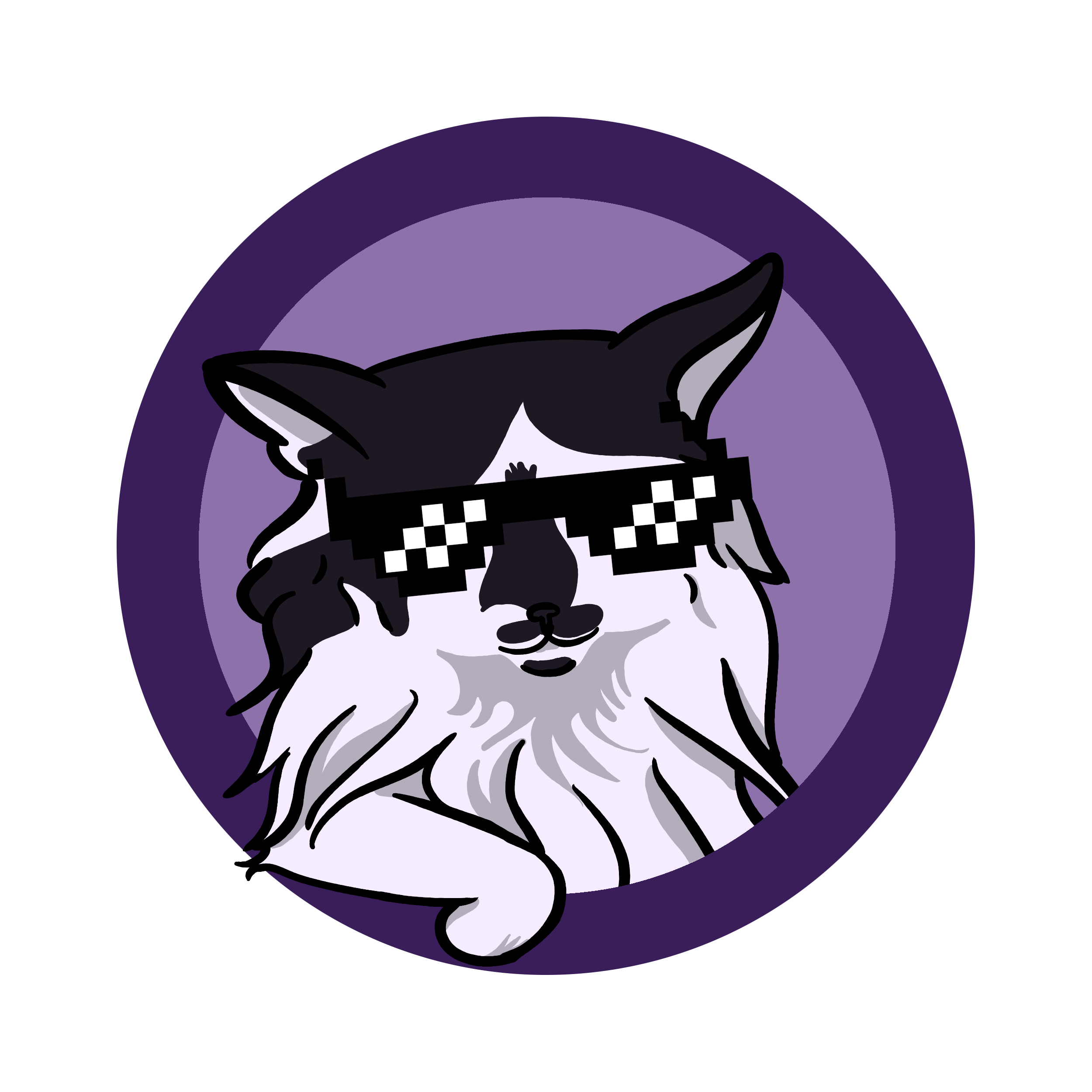
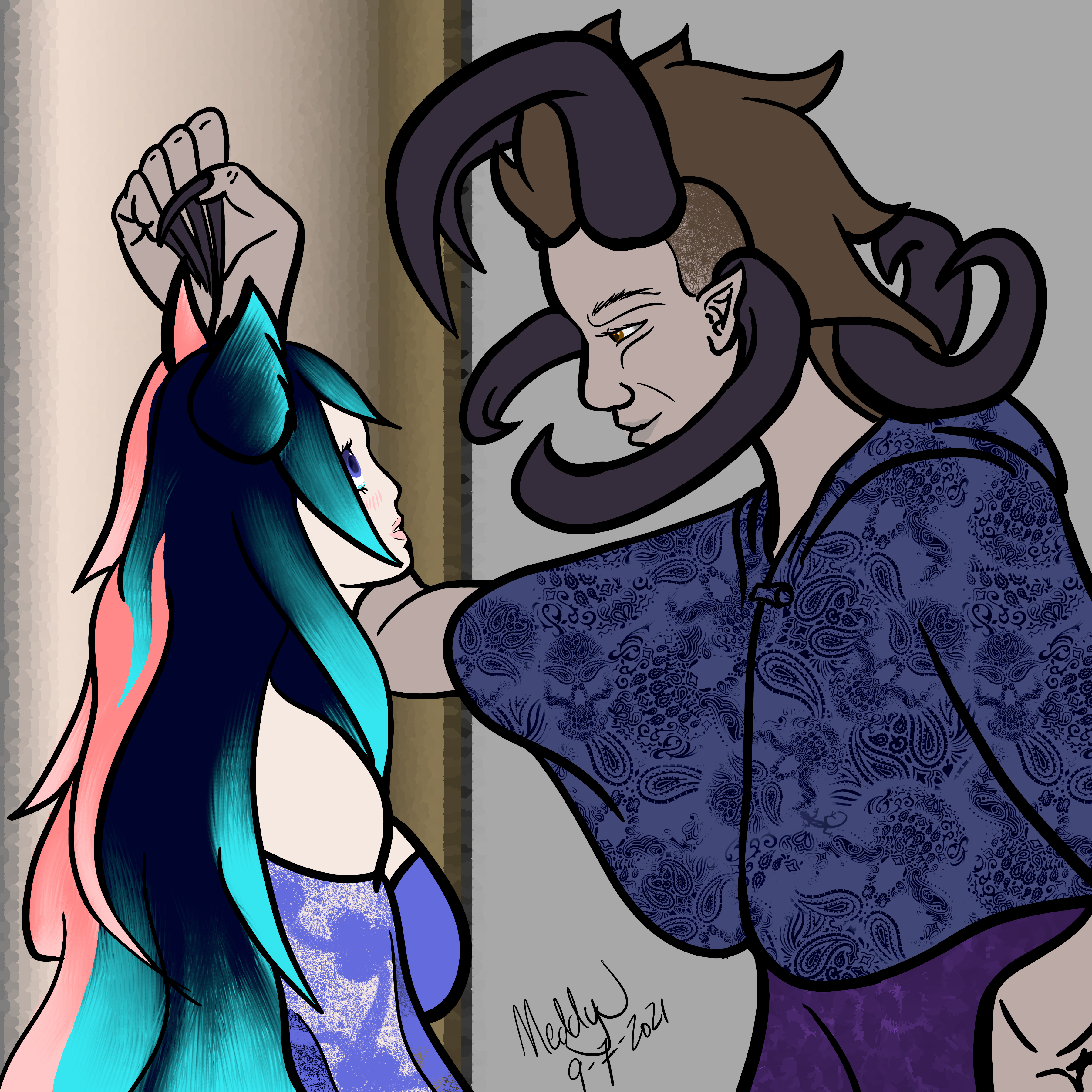
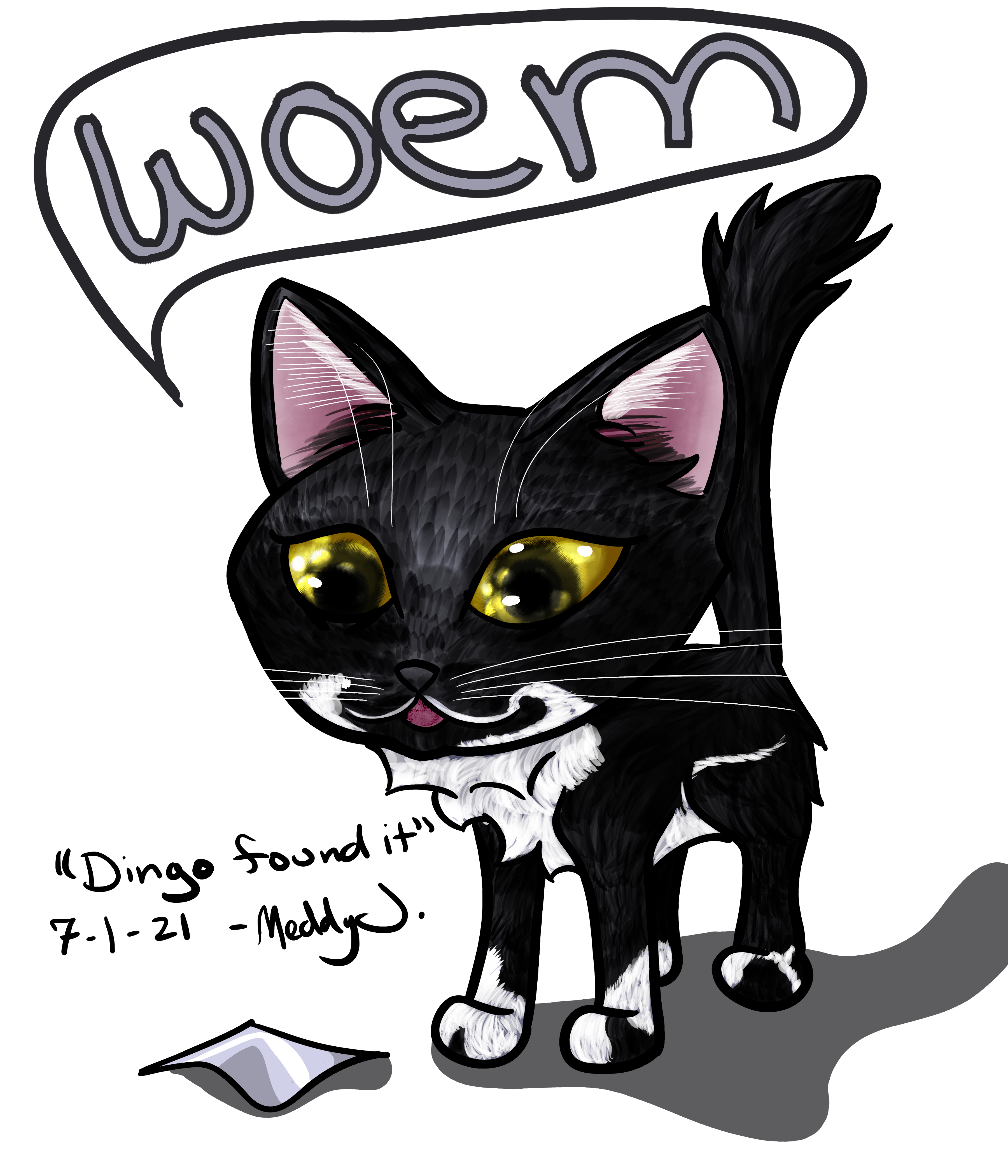
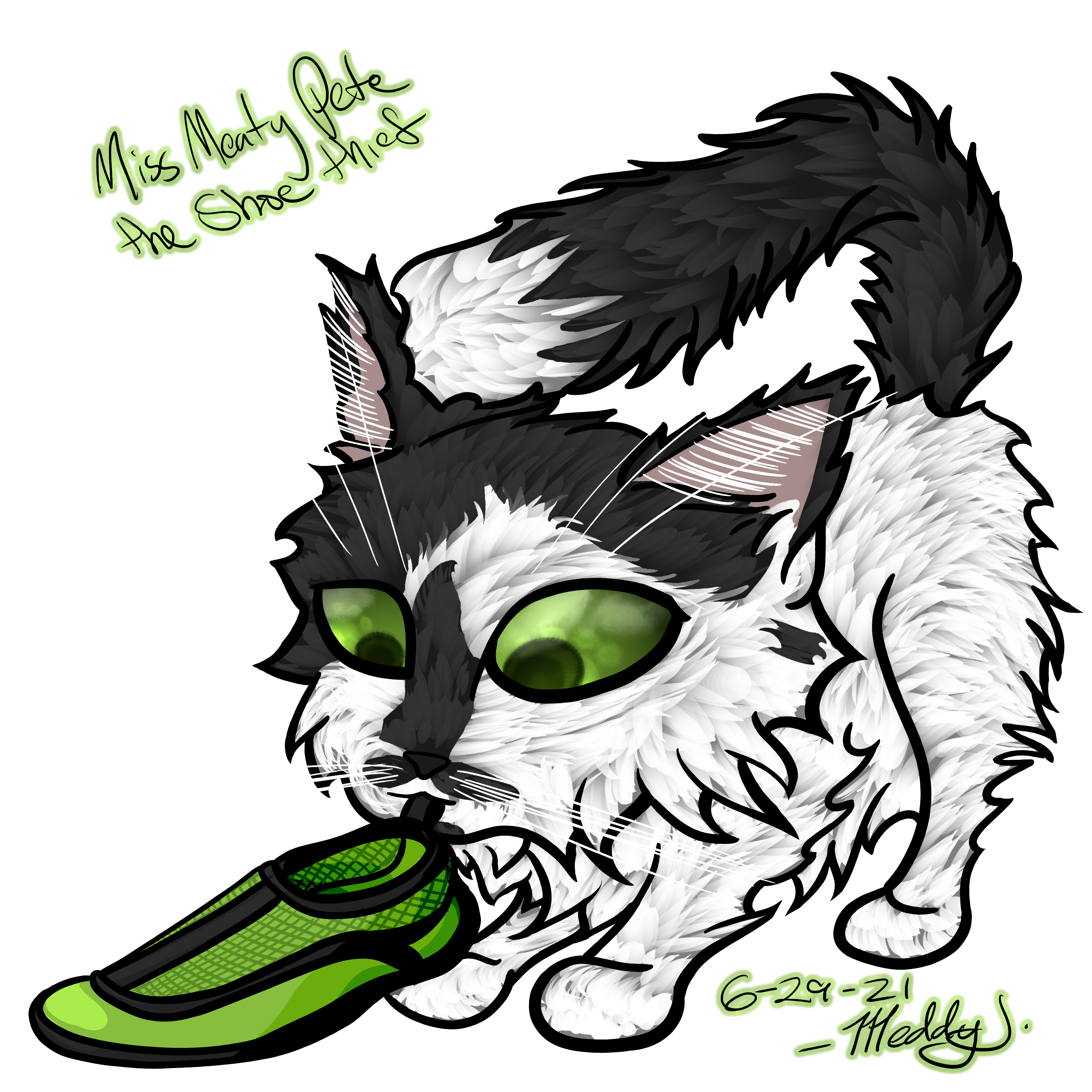
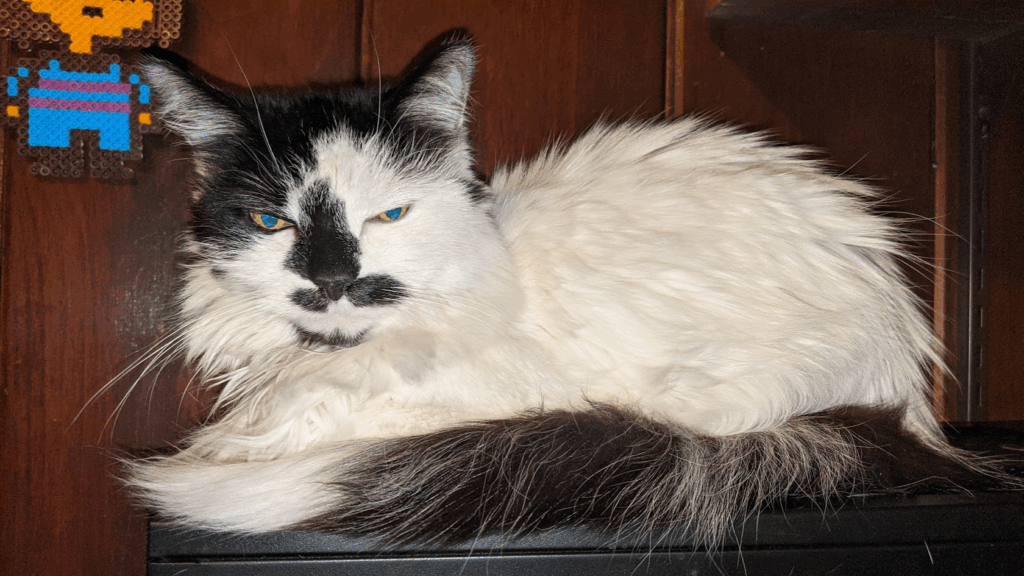
If the client is looking for something even more stylized, I also offer additional styles. Here we have Meaty Pete the Shoe Thief, drawn in a style that emphasizes her shagginess, cuteness, and propensity to steal footwear.
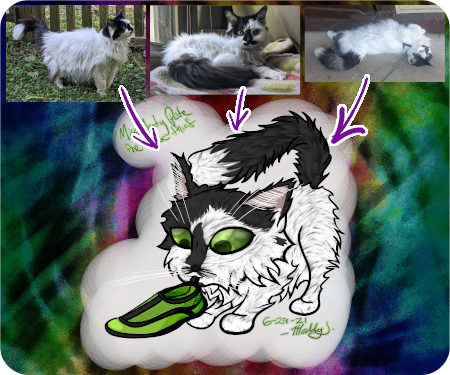
Photo Engraving


For those who just want a photo directly on a product, below are some examples of what I can offer, and if I do or do not think they’ll work out for you. In some cases, it’s just that the material I have available does not work with the method of application.
Photo engraving requires an excellent quality photo to look good when applied to materials. The output also looks much better when the background is removed. Without the added color contrast from the background, the laser engraving software is able to better gauge the transitions and gradients necessary to copy the photo onto the materials.
Wooden Coaster


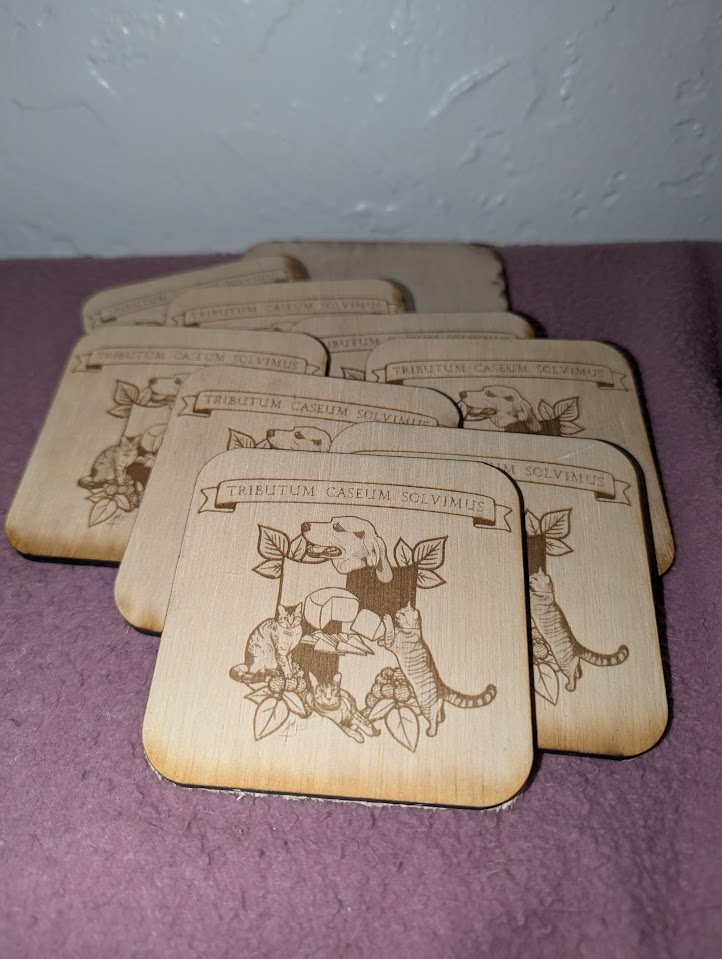
The wooden 8mm/1/4″ thickness coaster stock I use, unfortunately, does not work well with photo engraving. The rings in the wood are of much different densities, causing the grayscale transitions to be interrupted and making the image almost unrecognizable. Until I’m able to find a material or method that makes this work on wooden coasters, I will not be offering direct photo-to-coaster. The results from the cutout photos look much better, though.
Rock Coaster


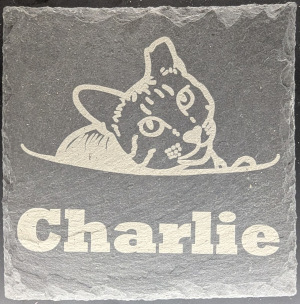
Rock coaster engraving requires some extra attention to make sure the settings in the software can produce a desirable outcome, but they aren’t always great. Check out the examples of the other rock coasters later in this post to see how much better they can look when not direct photo to coaster.
Vinyl Sticker
Vinyl stickers require a vector image to work from, so photo engraving is not possible without converting to a drawing.
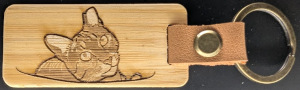
Wood Keychain


Like most things photo-engraved small, finding the right combination of settings can be tricky.
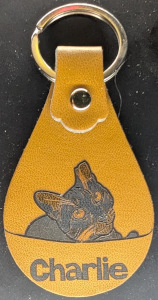
Faux Leather Keychain


Both types of keychains could take a photo or could not, depending on the photo.
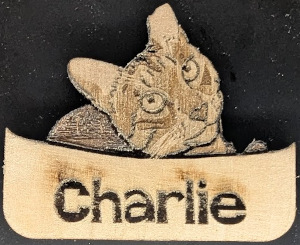
Wooden Magnet


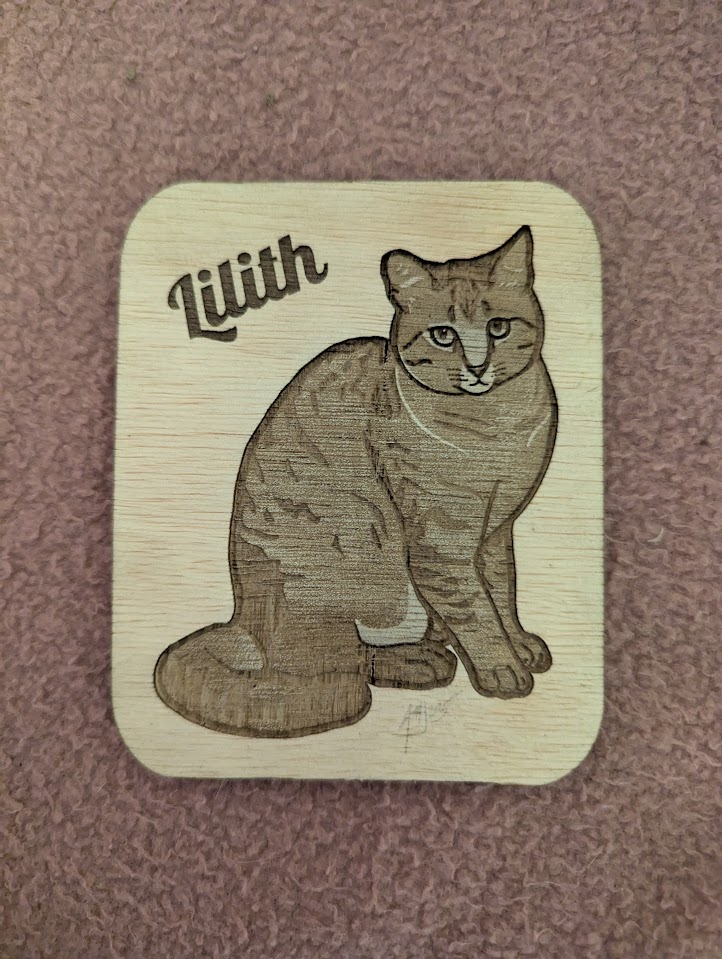
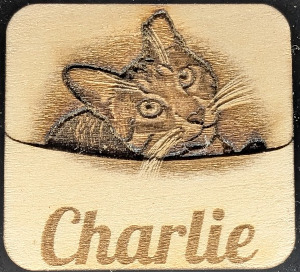
Engraving photos on to the wood material I have for the magnets works much better than on the coasters. The material is only 3mm thick, and is untreated and porous. It would not work great as a coaster though it does receive the image much better than the coaster material I have. Cutting out fridge magnets is easy on wood – each comes with several 3mm magnets glued on back for placement on metal.
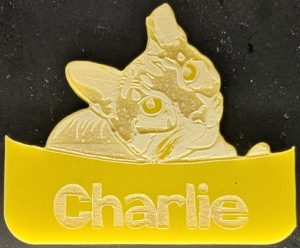
Acrylic Magnet


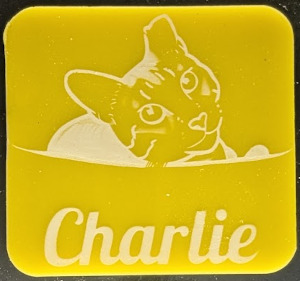
Acrylic doesn’t take well to gradients and grayscale engraving. You can see the transitions, but at this size you can’t see details.
Metal Card


Metal business cards really do not take to gradients well unless it is a painted metal card.
Digital Drawing (png)
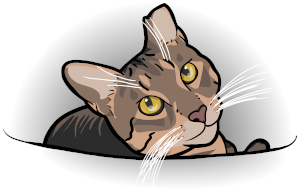
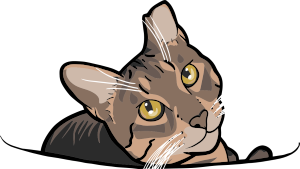
When I create the digital drawings for the products, I start first as a raster image. This is the way I’m used to drawing and gives the image a truly hand-drawn design look. If I worked strictly in vector based art, it may end up looking too exact or too formulaic, similar to the existing customizable art sites.
This image can then be used either as-is (“Portable Network Graphic” or PNG) with the laser engraver, similar to the photo engraving. Because the drawing reduces the color information and heavily simplifies the gradients for grayscale, it comes out much clearer. Clients can also use this color PNG elsewhere to create shirts, etc.
Wooden Coaster
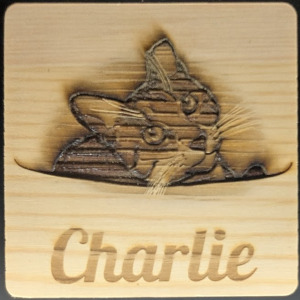
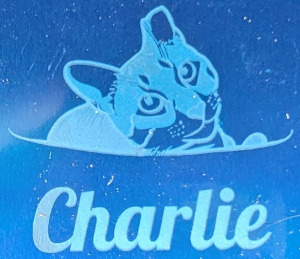
Though the ring lines are still visible on the coaster with the PNG, the image still turns out pretty well. This is due to the reduced complexity of the image losing less visually when it is interrupted.
Rock Coaster
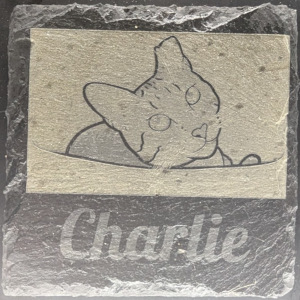
When putting an image on a rock coaster, I would use the vector image (examples later in this post) rather than the PNG. This is due to the material having little variation in light/dark when engraved. It can be seen in the above image, but not well.
Vinyl Sticker
Vinyl stickers require a vector image to work from, so photo engraving is not possible without converting to vector.
Wooden Keychain


Faux Leather Keychain
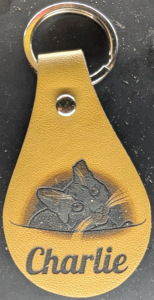
Wooden Magnet
Acrylic Magnet
Metal Card
Digital Drawing (Vector)
The laser engraver I use (xTool s1) works best with vector graphics (or SVG, “Scalable Vector Graphic”). When cutting or scoring, the laser can trace the exact line from the image information instead of engraving one micro-line from a raster graphic. It’s like drawing a wavy line by hand versus printing a wavy line with a dot-matrix printer. Granted the resolution on an xTool is far finer than dot matrix or even laser printers, it still has a visible back-and-forth appearance in the burns.
Wooden Coaster
Can you tell the direction of the exhaust fan on the engraver?
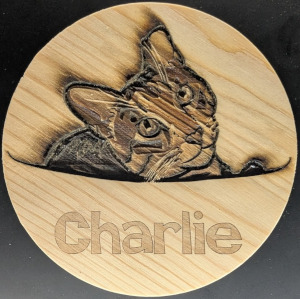
Where we saw improvements from photo to raster drawing on the wood coaster, we see similar improvements in quality when going to vector graphics. With raster, there is one setting for the image burn, and the machine determines the rest. With vector graphics, I can control the settings for each shade of the image as it will be engraved.
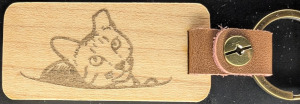
Similar results are shown below with the keychains, magnets, and metal cards.
Rock Coaster


The finer controls of the individual colors and their burn levels lets me create rock coasters with far more detail than if I had just engraved a photo or other raster image. This control also allows me to create depth in the coasters, leaving an opportunity for adding color via other materials if available.
Vinyl Sticker
The full color vector file CAN be used to cut out a vinyl sticker, but is is not recommended because the details will be completely lost. For this reason “sticker” versions of the vector file are provided when the custom pet art is ordered.
Wooden Keychain
Faux Leather Keychain
Wooden Magnet
Acrylic Magnet
Metal Card


Digital Drawing (Sticker Outline)
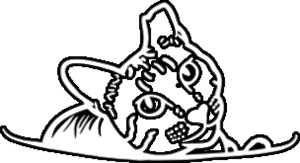
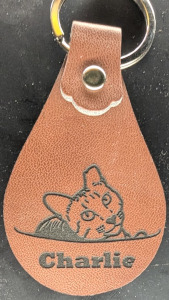
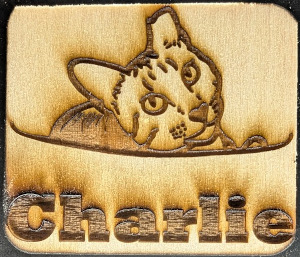
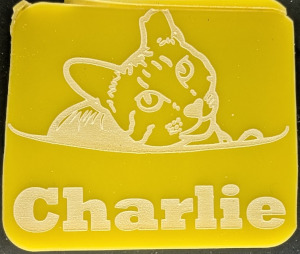
Some materials, such as wood and faux leather, can easily take gradients and multiple shades of gray to engrave. Others are really only binary – there is engraving or there is not. Fort his reason, I create a “sticker” version of the vector, so named because its primary use is for cutting out the vinyl stickers. This outline is also thicker than the full color vector due to the details potentially being lost when the sticker cut is small.
Wooden Coaster
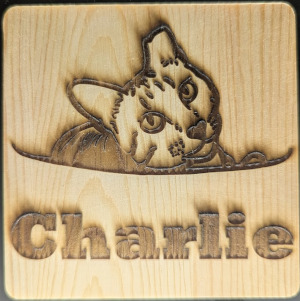
Fortunately the sticker version still works just fine on all materials.
Rock Coaster
Vinyl Sticker


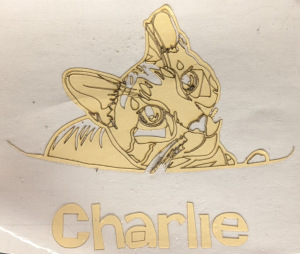
After a vinyl sticker is cut on the engraver, I then have to “weed” it, or remove all the vinyl that is not meant to be part of the sticker. The above image shows post-weeding. The details from the non-sticker vector art make it almost impossible to weed and very difficult to determine what to keep or remove since it has multiple shades.
Vinyl stickers require transfer tape, which I include with each order. Before applying the vinyl sticker, know where you want to put it and clean the surface to remove any dust. Do not apply to a surface that is likely to peel or come up with the transfer tape.
- To apply a vinyl sticker, first peel the transfer tape and vinyl from the white backing.
- Then position the sticker and transfer tape where you would like to place it – you will not be able to move it from where you place it at this point without causing issues.
- Use something (most sites recommend a card or something, but I’ve used just my fingers and sometimes coins) to press the vinyl to the surface. Focus on the small or thin bits to make sure that they will stick.
- Lift a corner of the transfer tape and slowly peel it back, making sure the vinyl stays on the surface. If it does not, lower the tape and press it more. You can do this repeatedly as you peel back to make sure the vinyl sticks. Larger areas do not usually have this problem due to the larger area of adhesive, but as the stickers I make tend to have a lot of thin and small details, I usually end up doing this a lot.
Wooden Keychain
Faux Leather Keychain
Wooden Magnet
Acrylic Magnet
Metal Card


Comments Off on Cool Pete’s Kitty Lounge on Etsy
Filed under: Art